🎮 Ages 12–16 · Hands-on workshop

Build real games with AI — in one afternoon.

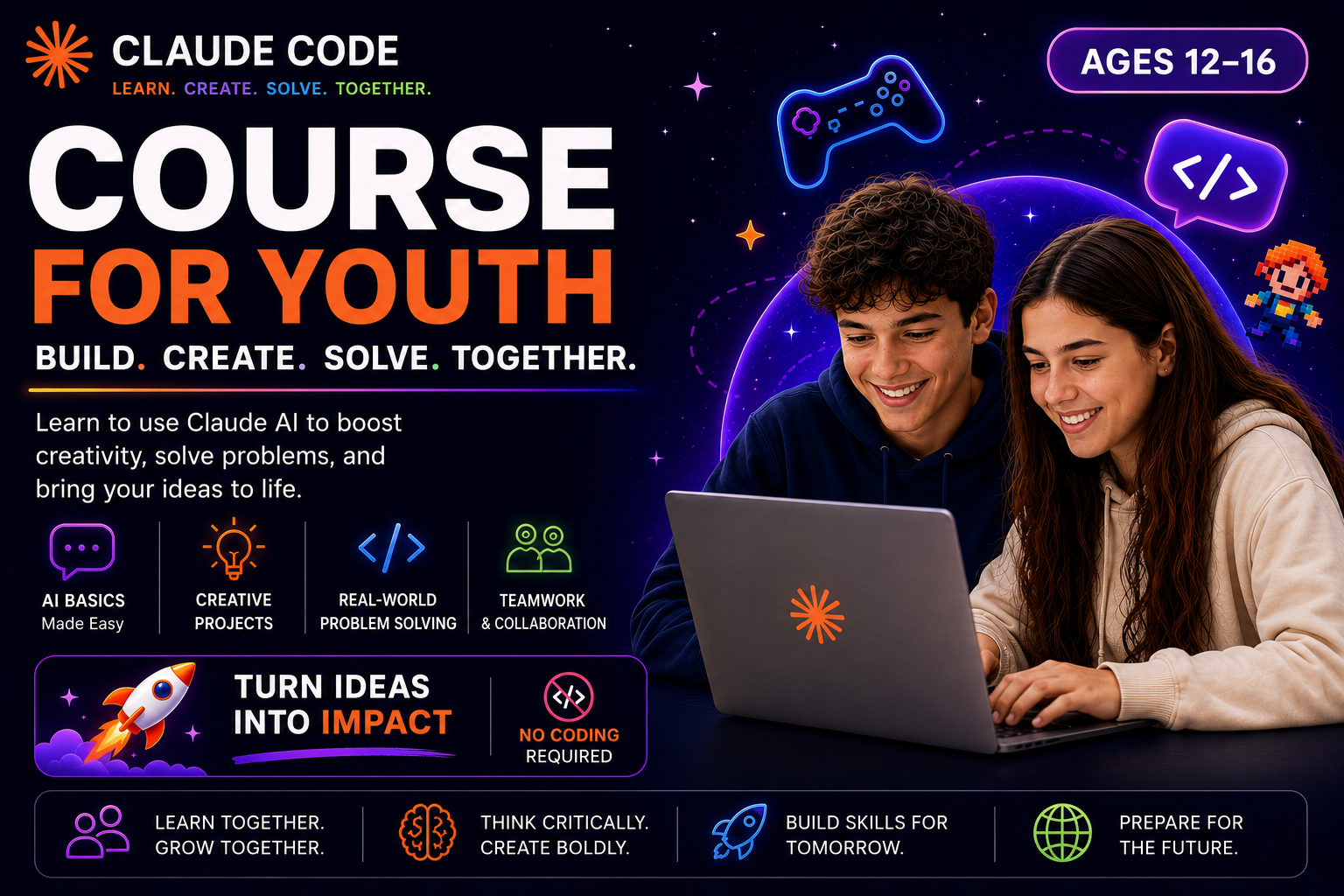
A 3-hour hands-on workshop where kids ages 12–16 build a fully playable browser game from scratch. No coding experience needed. Just ideas — and an AI that turns them into working software.

⏱ 3 hours 👥 Max 8 students 💻 Windows or Mac 🌐 No coding needed
Claude Kids — Build Games with AI

A real, playable browser game.

By the end of the workshop, every student walks out with a complete Space Shooter game — built entirely by talking to an AI. It runs in any browser. They can email it to friends, play it on a USB stick, or share a link.

🚀

A Space Shooter game

Player ship, alien waves, lasers, explosions, sound effects, a boss fight, power-ups, levels, and a high-score table.

The 4 magic moves

Build it, change it, fix it, ask it. The four moves that work for any project — they'll use them long after the workshop.

🎨

Their own twist

Underwater theme? Halloween? Synthwave? Each student remixes the game to make it uniquely theirs — their ideas, their design.

Games built with the same techniques.

Click any preview to play. These were all built by describing them in plain English — exactly what your kid will do in the workshop.

One workshop, two audiences.

Kids leave with something real they built themselves. Parents see exactly what their child learned, and why this skill matters now — not in five years.

For Kids

🎮 You're going to build something cool.

You don't need to know how to code. If you can type, you can build. You'll describe what you want — a glowing button, an alien boss, a synthwave theme — and Claude (an AI) writes the code. You play. You change it. You make it yours.

  • Build a full game start to finish
  • Add explosions, sound, power-ups, a boss fight
  • Remix the theme: ocean, Halloween, your own idea
  • Take the file home — works on any computer
For Parents

🧭 What they actually learn.

This isn't "learn to code in 3 hours." It's something more useful: how to direct AI to build real software. The kids practice specifying requirements, iterating, debugging, and shipping — the same skills professional developers use, just expressed in plain English.

  • Hands-on: every student builds, no spectators
  • Small group (max 8) — every kid gets help when stuck
  • Safe: works in a sandboxed folder, no surprise charges
  • Take-home cheat sheet so they can keep building
Before the workshop: Open a Claude Pro account ($20/month) — required for the session. Choose the monthly plan, not annual. Cancel anytime after.

How the 3 hours go.

Every minute is hands-on. There are no slides. Kids are at the keyboard, building, the entire time.

0:00
Setup
Install Claude Code, open the project folder, say hello to the AI.
0:15
4 Moves
Learn build it, change it, fix it, ask it — the patterns that work for anything.
0:35
Build
Build the Space Shooter step by step — 5 prompts, 5 layers of features.
1:30
Break
Play your game. Show it to someone.
1:45
Make It Yours
Theme, features, style — every kid's game ends up different.
2:15
Show & Tell
Share games, high-score battle, and what to build next at home.

Common questions.

Does my child need any coding experience?

No. The workshop is designed for absolute beginners. If they can type a sentence, they can take this class.

What do parents need to set up beforehand?

A Claude Pro account is required for the workshop ($20/month, opened by a parent before the session). Important: choose the monthly plan, not annual — you can cancel anytime after the workshop. Bring a laptop (Windows or Mac) with a working browser — we'll install Claude Code at the start of the session.

Will they really finish a working game?

Yes. Every student walks out with a complete, playable Space Shooter game they built themselves. It's a real HTML file that works in any browser.

Is the AI safe for kids?

Yes. Claude is operated by Anthropic — one of the major safety-focused AI labs. The session runs in a sandboxed project folder, supervised by an instructor.

Why ages 12–16?

It's the sweet spot for typing fluency, reading, and the patience to iterate. Younger kids can struggle with the typing pace; older teens often want a longer, deeper course.

Can they keep building after the workshop?

Yes — the same Claude Pro account used in the workshop keeps working at home. Students leave with a cheat sheet of prompts and ideas for projects they can build on their own.
Per student.

Small groups, max 8 students. Includes the workshop, take-home cheat sheet, and the game file they build.

$19.95 USD
≈ ₫500,000 · ₹1,900
3-hour live workshop
Hands-on the whole time
Max 8 students per session
A real playable game
Printable cheat sheet
Project ideas to keep going
Register via WhatsApp

Your kid will leave with something real.

Not just a certificate. A playable game they built — and the skill to build the next one without us.

Register via WhatsApp

🔒 Already registered? Open the workshop guide →