⚡ Intermediate · Hands-on workshop

Teach Claude to be your specialist — in plain English.

A 3–4 hour hands-on workshop where you build custom AI behaviors using the conversational skill builder. Describe what you want — the builder writes the SKILL.md file. No code. No terminal. Turn Claude into a personal expert for email, documents, data, design, and more.

⏱ 3–4 hours 👥 Max 8 students 💻 Claude Desktop 🧩 No code required
Claude Code Skills — Teach Claude to Be Your Specialist

Custom AI behaviors, written in plain English.

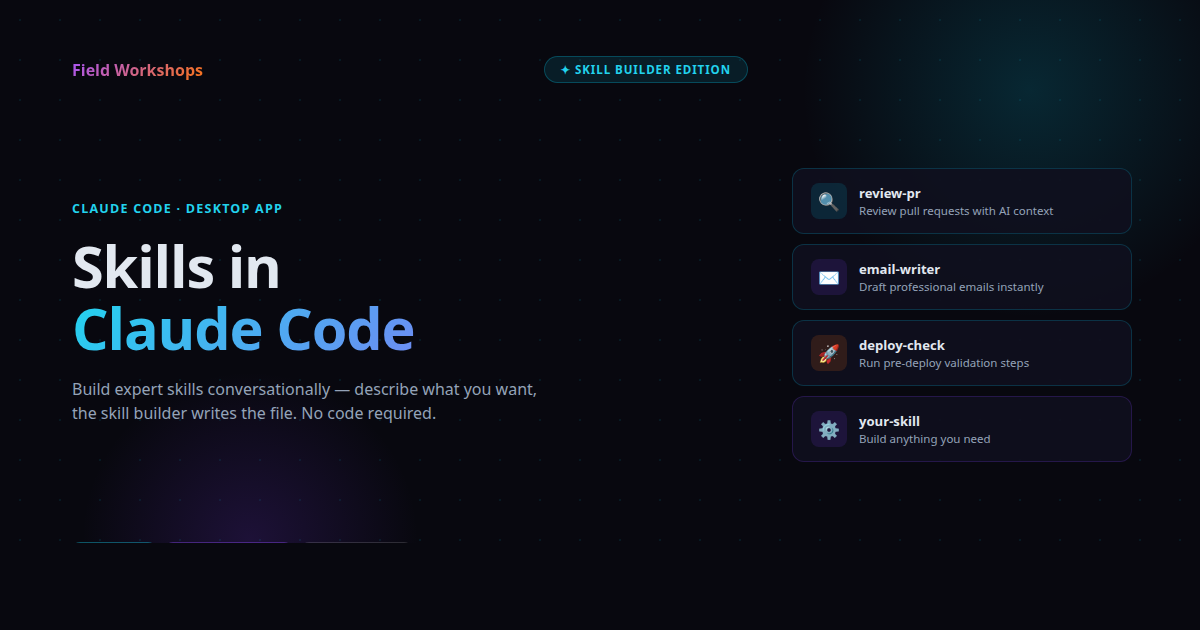
A skill is a reusable instruction set — a SKILL.md file — that tells Claude exactly how to handle a specific task. Once you build one, Claude becomes an expert in that domain on demand. The conversational skill builder writes the file for you. You just describe the behavior.

🗣️

Describe it

Tell the skill builder what you want Claude to be expert at — your tone, your rules, your workflow, your output format.

📄

It writes the file

The conversational builder turns your description into a clean SKILL.md — ready to drop into Claude. No syntax to learn.

♻️

Reuse forever

Save it once, use it anytime. Share it with teammates. Iterate on it like any other document. Your specialist Claude, on call.

Skill ideas you'll actually use.

In the workshop, you'll build several real skills — starting from your own work. These are the kinds of specialists students typically end up with by the end of the session.

📧

Email Editor

Tightens drafts to your exact tone — concise, warm, no filler. Knows your common phrases and signature.

📋

Meeting Notes

Turns rambling notes into clean action items with owners and deadlines. Uses your team's format every time.

🧾

Spec Writer

Takes a feature idea and produces a structured spec — problem, scope, success criteria — in your team's template.

🔍

Code Reviewer

Reviews diffs against your team's checklist: edge cases, tests, naming, performance. Comments only on what matters.

📊

Data Summarizer

Reads CSVs and produces the report your boss actually wants. Knows which columns matter and which to ignore.

💬

Customer Reply

Drafts responses to support emails using your past replies as the model. Right tone, right escalation rules.

Brainstorm Partner

Pushes back on weak ideas, asks the right questions, and respects the constraints you actually care about.

🛠️

Anything else

If you can describe how an expert handles it — Claude can do it. The workshop teaches the pattern. The ideas come from you.
🎓

Prerequisite: Claude Code Basics

This workshop assumes you've completed the Claude Code Basics course or are comfortable directing Claude through plain-English prompts. We move quickly into skill design from minute one.

People who already use Claude — and want it sharper.

If you're tired of re-explaining your tone, your format, your rules every time you open a chat — skills are the fix. You teach once. Claude remembers forever.

👋 You'll get the most out of this if…

  • You use Claude regularly and find yourself repeating the same instructions
  • You have a workflow that follows specific rules — tone, format, escalation, output structure
  • You want Claude to feel like your tool, not a generic assistant
  • You work with a team and want to standardize how AI handles a specific task
  • You completed Claude Code Basics — or you're comfortable directing AI in plain English

How the 3–4 hours go.

Hands-on the whole time. By the end, every student leaves with at least three working skills they actually use.

0:00
Setup
Open Claude Desktop, locate the skills folder, verify your environment is ready.
0:20
SKILL.md anatomy
What goes in a skill file. Why each part matters. The shape of a great skill.
0:50
Skill Builder
Use the conversational builder to design and ship your first real skill.
1:45
Break
Stretch, run your skill, share what you built so far.
2:00
Iterate & Ship
Build two more skills from your own work. Refine, test, version.
3:15
Show & Tell
Demo your skills, swap ideas, plan the next ones to build at home.

Common questions.

Do I need to know how to code?

No. The skill builder is conversational — you describe the behavior in plain English and the builder writes the file. No syntax to memorize.

What's a skill, technically?

A SKILL.md file with a frontmatter description and instruction body. Claude reads it on demand and applies the behavior. Think of it as a reusable persona + ruleset.

Do I need Claude Code Basics first?

Yes — or equivalent comfort directing Claude through plain-English prompts. Skills builds on the four moves taught in Basics.

What do I need to bring?

A laptop with Claude Desktop installed and a Claude.ai account. We'll guide setup at the start of the session if needed.

Will my skills work for my whole team?

Yes. SKILL.md files are plain text — share them via Slack, GitHub, or any file system. Anyone with Claude Desktop can drop one in and use it.

Can I keep building skills after?

Absolutely. You'll leave with the patterns, a printable cheat sheet, and a portfolio of working skills to use as templates for the next ones.

Per student.

Small groups, max 8 students. Includes the workshop, take-home cheat sheet, and the skills you build.

$39.95 USD
≈ ₫1,000,000 · ₹3,400
3–4 hour live workshop
Hands-on the whole time
Max 8 students per session
3+ working skills built
Printable cheat sheet
Skill templates to keep going
Register via WhatsApp

Stop re-explaining yourself to Claude.

Teach it once. Reuse forever. Walk out with skills you'll actually open every day.

Register via WhatsApp

🔒 Already registered? Open the workshop guide →