Advanced · Hands-on workshop · Coming soon

Build real AI agents with Claude Code — that actually run.

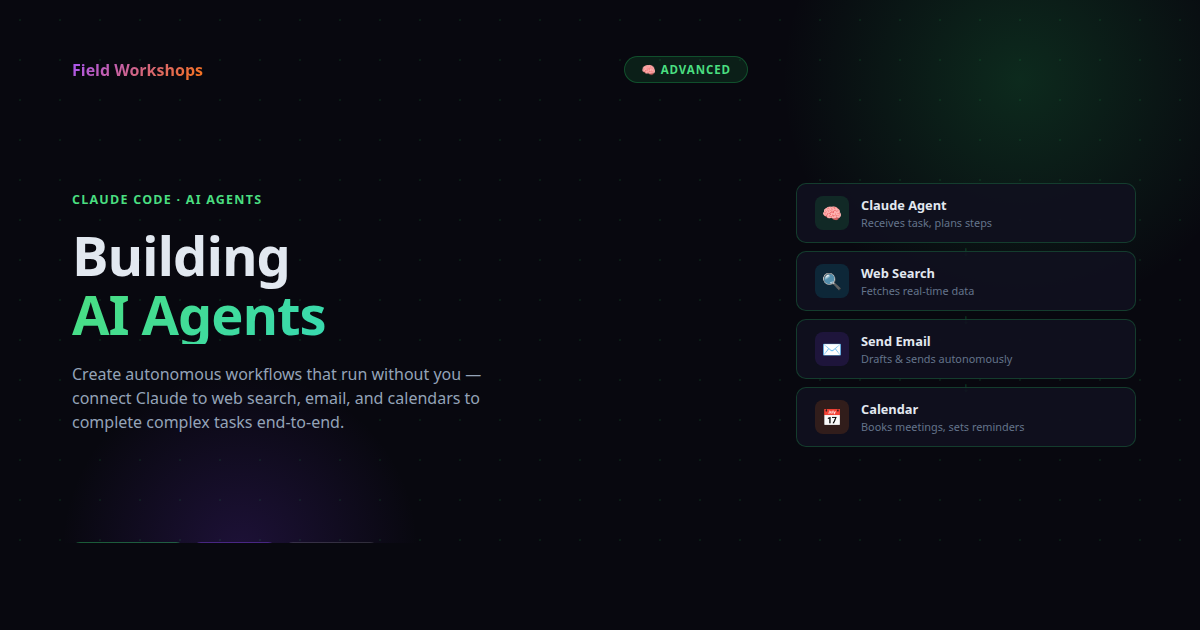
A 5–6 hour hands-on workshop where you go from "what is an agent?" to shipping autonomous agents that read your inbox, review your PRs, organize your files, and run on a schedule. No theory-only sessions — every module ends with a working agent on your machine.
⏱ 5–6 hours 👥 Max 8 students 🎓 Builds on Basics + Skills 🚀 Ship 2 agents + capstone
Building AI Agents with Claude Code

What is an agent — really?

A prompt answers a question. A skill is a reusable expert behavior. An agent is a loop: it sets a goal, picks a tool, observes the result, and decides what to do next — until it's done. This workshop is about that loop, in practice.

🎯

Goal & Plan

Give the agent an outcome — not a script. It plans the steps. You set the budget and the boundaries.

🛠️

Tools

Filesystem, web search, MCP servers, custom Python or TS functions. Each tool extends what the agent can actually do.

🔁

Loop & Observe

Act, look at the result, adjust, continue or stop. The whole craft is in shaping that loop and recovering from misfires.

🎓

Prerequisites: Basics + Skills

This workshop assumes you've completed Claude Code Basics and Claude Code Skills, or you're already fluent at directing Claude in plain English and writing SKILL.md files. We move quickly into agent design from minute 30.

⌨️

Light coding comfort expected

You don't need to write code from scratch — Claude does that. But because agents touch real systems (files, APIs, tools), you should be comfortable with: opening a terminal and running commands, editing a small YAML or JSON config file, and reading a short Python or JavaScript snippet to know roughly what it does. If you've ever cloned a repo, edited a config, or tweaked a script someone else wrote — you're ready. If those words feel foreign, take Basics first.

Six modules. Every one ships a working agent.

No slides past Module 1. You're at the keyboard from minute 30. Each module ends with a real artifact running on your machine.

Module01

What is an agent?

The progression — prompt → skill → agent. The loop. Three ingredients: tools, memory, autonomy. When NOT to build an agent. Live demos comparing the three.

📦 Take-away: one-page diagram of the agent loop
30 min
Module02

First agent: File Organizer

Build a custom subagent in .claude/agents/. Tools: Read, Write, Bash, Glob. Dry-run, then real run. Read the trace, debug a misfire.

📦 A working agent + a clean Downloads folder
45 min
Module03

Tools beyond the filesystem

WebFetch, WebSearch, MCP servers (GitHub / Slack / Calendar), and custom tools via the Claude Agent SDK. A mental model for picking the right tool — by I/O cost, blast radius, and confirmation needs.

📦 A "GitHub triage" agent that summarizes PRs needing review
45 min
Module04

Multi-step agent: Research Brief

Decompose a topic into search → read → verify → synthesize → self-review. The plan-then-execute pattern. Forcing citations. When the agent should ask vs. proceed.

📦 A 1-page research brief PDF you actually keep
60 min
Module05

Production concerns

Budgets (max steps, max tool calls, time caps). Idempotency & retries. Hooks (PreToolUse / PostToolUse) as guardrails. Observability — reading and sharing failed runs. Background vs. interactive. Where humans need to stay in the loop.

📦 Hooks added to your Module-2 agent that block writes outside a whitelist
45 min
Module06

Capstone — pick & ship

Choose one of five pre-scaffolded templates, customize it to your real life and data, run it, and demo in 90 seconds. Your agent. Your inbox or repo or calendar. Real automation.

📦 A capstone agent running on your own data
60 min

Pick one. Make it yours. Ship it.

In Module 6, every student picks a template, customizes the SKILL.md / agent definition to their real workflow, and demos it. These are the kinds of agents students typically walk out with.

📧

Inbox Triage

Reads recent email, classifies by intent, drafts replies in your tone. You approve and send.

☀️

Daily Digest

Scrapes 3 sources you choose, writes a morning brief at 7am. Runs on a schedule.

🔍

PR Reviewer

Reviews open PRs against your team's checklist — edge cases, tests, naming, performance — and posts comments.

📅

Calendar Coordinator

Reads your week, drafts time-block proposals, flags conflicts before they become problems.

📚

Research Companion

Your Module-4 agent, scaled to topics you actually care about. Daily, weekly, or on-demand briefs.

🛠️

Your own idea

If you can describe the loop — goal, tools, when to stop — we'll help you scaffold it. Bring your data.

People who already direct Claude — and want it autonomous.

If you've finished Basics and Skills and you're thinking "what if Claude could just do this for me without me asking every time?" — that's the question this course answers.

👋 You'll get the most out of this if…

  • You completed Claude Code Basics + Skills (or equivalent fluency)
  • You have repetitive workflows you'd like to fully automate, not just speed up
  • You want to understand the agent loop deeply enough to design your own
  • You're comfortable reading code traces and debugging when an agent misfires
  • You bring real data — a real folder, real inbox, real repo — to point an agent at

What this course deliberately does not cover

  • Building from scratch with raw API calls (separate "Agent SDK Deep Dive" course)
  • Multi-agent orchestration and swarms (intentionally skipped — most real value comes from one well-scoped agent)
  • Fine-tuning, RAG, vector DBs (orthogonal — Claude Code agents don't need them for most jobs)

How the 5–6 hours go.

Hands-on the whole time. One break in the middle. Show & tell at the end — most valuable part of the day.

0:00

Module 1 — What is an agent?

Concept, demos, the loop diagram.

30 min
0:30

Module 2 — File Organizer

First working subagent.

45 min
1:15

Module 3 — Tools beyond the filesystem

Web, MCP, custom tools.

45 min
2:00

Module 4 — Research Brief

Multi-step, plan-then-execute.

60 min
3:00

Break ☕

Stretch, walk, share what you've built so far.

15 min
3:15

Module 5 — Production concerns

Budgets, hooks, observability.

45 min
4:00

Module 6 — Capstone

Pick a template, customize, ship.

60 min
5:00

Show & Tell + Wrap

90-second demos, "what went weird" discussion, cheat sheet.

30 min

Common questions.

Do I really need Basics and Skills first?

Yes. We move fast. If you can already write a SKILL.md and direct Claude through plain-English prompts, you'll keep up.

What's the difference between an agent and a skill?

A skill is how Claude behaves on one task. An agent is a loop that picks tasks, picks tools, observes, and decides what to do next — until the goal is met or a budget is hit.

What do I need to bring?

A laptop with Claude Code (set up in Basics), a Claude Pro account (monthly — agents make many tool calls), and real data: a folder, inbox, repo, or calendar you'd actually like automated.

Will I write code?

Some — mostly small Python or TS functions for custom tools. Most of the workshop is YAML/Markdown agent definitions and reading traces. The Agent SDK is one tool among many.

Can I run agents safely on my own machine?

Yes — we cover this in Module 5. Tool allow-lists, hooks, and dry-run flags are first-class. You always know what an agent can do before you run it.

What does "ship" mean — a CLI tool? A service?

By default: a subagent file in your project that runs on demand or on a schedule. We don't deploy to servers — that's a separate course. The agents you build run wherever you run Claude Code.

Coming soon · Limited pilot cohort

Per student.

Small groups, max 8 students. Includes the workshop, take-home cheat sheet, agent templates, and the agents you build.

$59.95 USD
≈ ₫1,500,000 · ₹4,950
5–6 hour live workshop
Hands-on the whole time
Max 8 students per session
2 agents + capstone shipped
5 capstone templates
Printable cheat sheet
🔔 Notify me when available

Stop asking Claude to do things. Let it do them.

You'll leave with agents running on your machine, on your data — and the muscle memory to design the next ones yourself.

🔔 Notify me when available

Released to Basics + Skills alumni first.